Independent restaurant owners and small cafe operators in the United States who manually price menu items and need a fast, reliable way to check profitability.
كيف يعمل
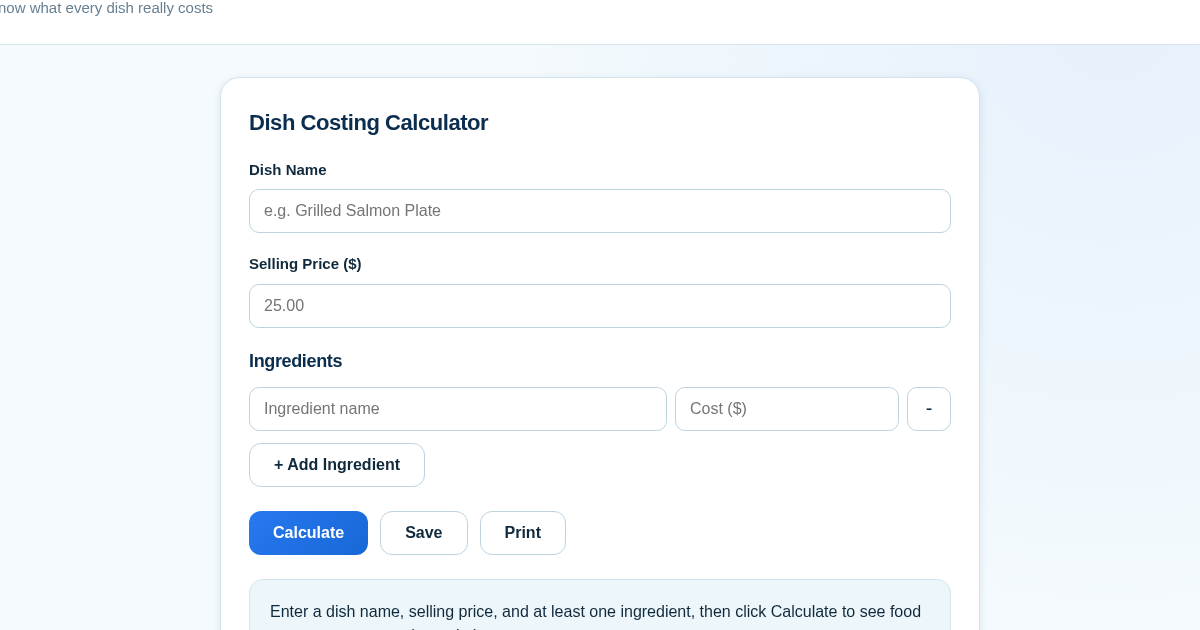
- Enter the dish name and selling price, then add or remove ingredient cost lines using the + and - buttons.
- Click Calculate to instantly see the food cost percentage, margin dollar amount, and margin percentage for the dish.
- Click Save to store the dish costing (name, price, ingredients, computed values, and timestamp) in your history list.
- Use the Print button to open the browser print dialog and produce a clean breakdown to share with kitchen staff.
ماذا تكسب
- Instant food cost percentage and margin calculation per dish
- Simple add/remove ingredient lines for accurate cost entry
- One-click saving to a persistent history for tracking pricing decisions
- Built-in validation catches typos before they affect your math
- Printable breakdown for easy staff communication
لقطة شاشة
تفاصيل تقنية
كيفية الإعداد والاستخدام
- اشترِ الترخيص — يظهر مفتاحك (lic_...) في صفحة الطلب وبريدك الإلكتروني.
- سجّل الدخول في app.synoriaai.com بمفتاح الترخيص.
- لا حاجة للتثبيت — يعمل المنتج في المتصفح على نسختك المعزولة.
- Type the dish name and the price you plan to sell it for.
- Add each ingredient with its cost using the Add Ingredient button.
- Click Calculate to see the food cost percentage and profit margin.
- Click Save to add this dish to your saved history.
- Click Print to get a shareable copy for your kitchen.
الأسئلة الشائعة
Does this connect to my POS or supplier accounts?
No. You enter ingredient costs and selling price manually - there are no external integrations, so your data stays fully under your control.
Is my saved data private?
Yes. Your dish costings are stored only on this app's server and are not shared with any third party.
Can I track pricing decisions over time?
Yes. Every dish you save stays in your history list on the main screen, so you can review past costings whenever you need.
منتجات ذات صلة
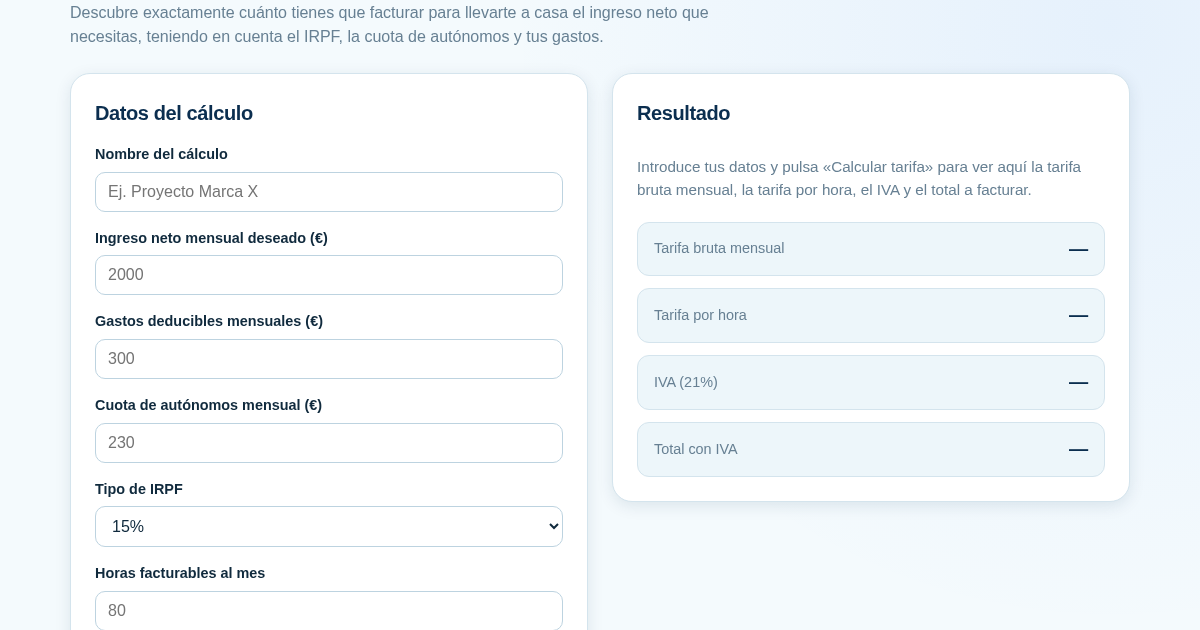
Calculadora de Tarifas para Autónomos
Muchos autónomos fijan sus tarifas sin saber cuánto necesitan facturar realmente para alcanzar el ingreso neto que quieren. Esta calculadora parte del neto mensual deseado y calcula la facturación bruta necesaria…
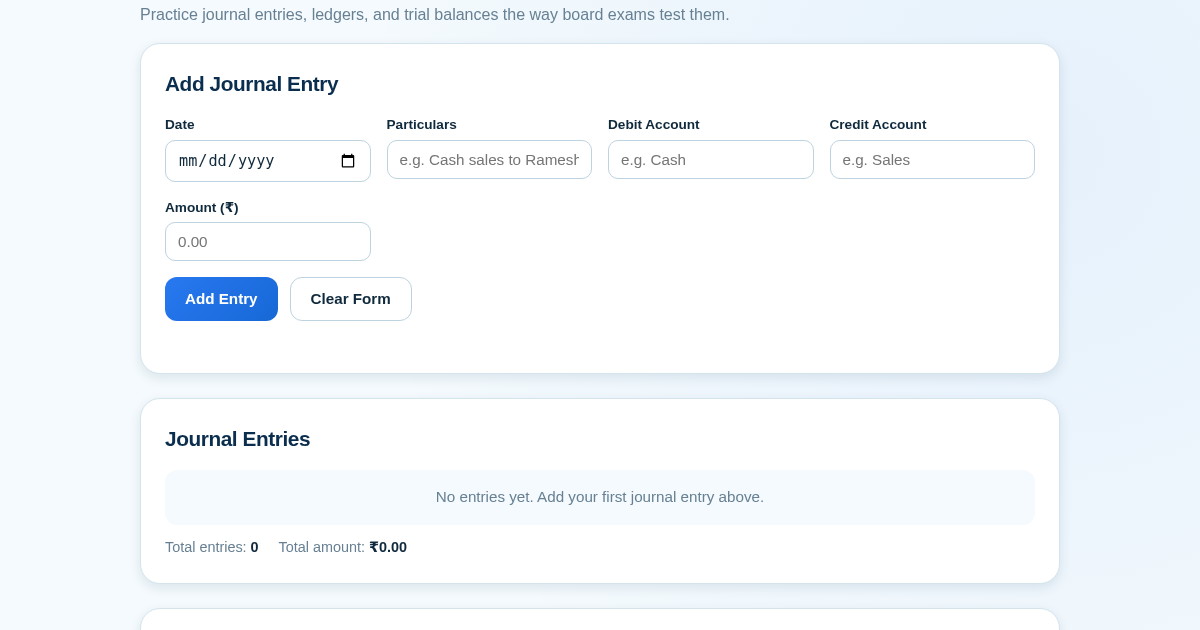
Ledger & Trial Balance Practice Tool
Commerce students in Class 10-12 need to practice journal entries and see how they flow into ledgers, trial balances, and balance sheets for board exams. This tool lets them enter transactions and instantly see the…
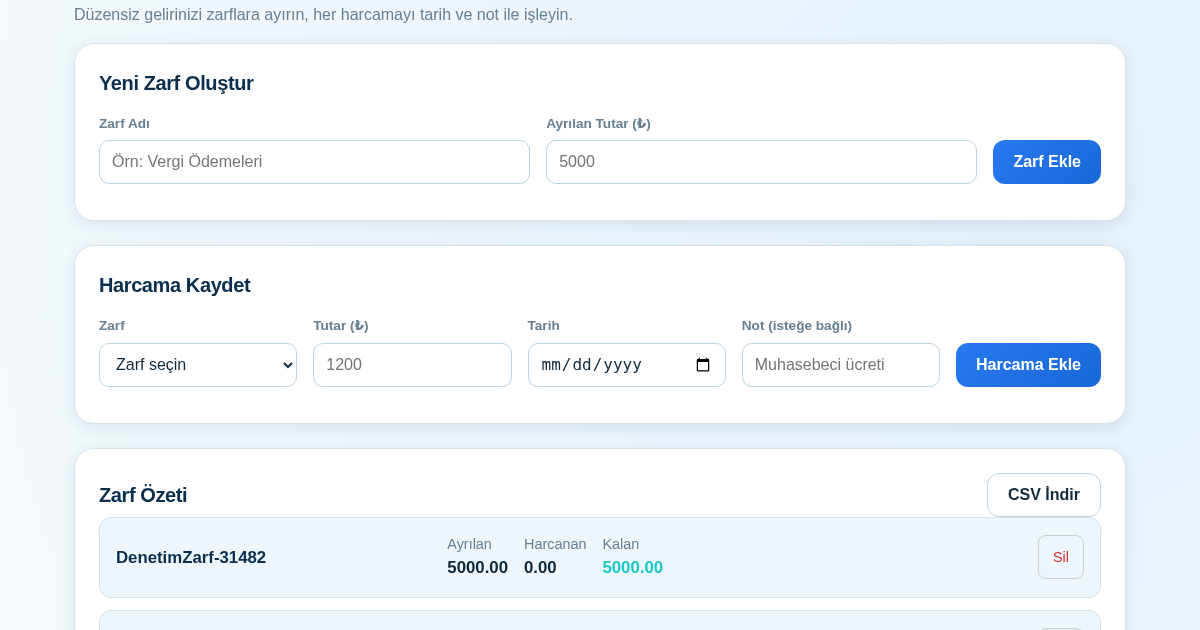
KASA - Serbest Çalışanlar İçin Zarf Bütçesi
Serbest çalışanlar düzensiz gelirlerini vergi, kira ve yaşam giderleri gibi zarflara bölerek bütçelerini düzenli tutabilir. Her harcamayı tarih ve not ile ilgili zarfa işleyerek ne kadar ayırdığını ve ne kadar…
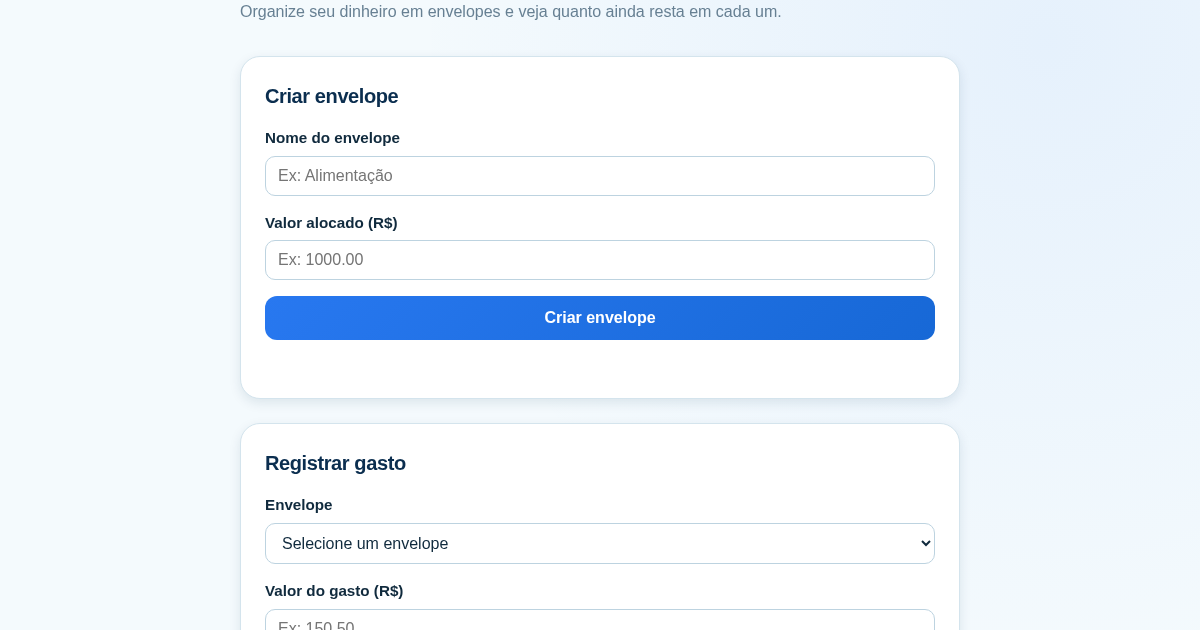
Calculadora de Orçamento por Envelopes (Pix)
Este aplicativo ajuda brasileiros a organizar seu dinheiro em envelopes de orçamento, como alimentação, transporte e lazer, sem precisar conectar uma conta bancária. Ele resolve o problema de controlar gastos do dia a…